What Is Hardware?
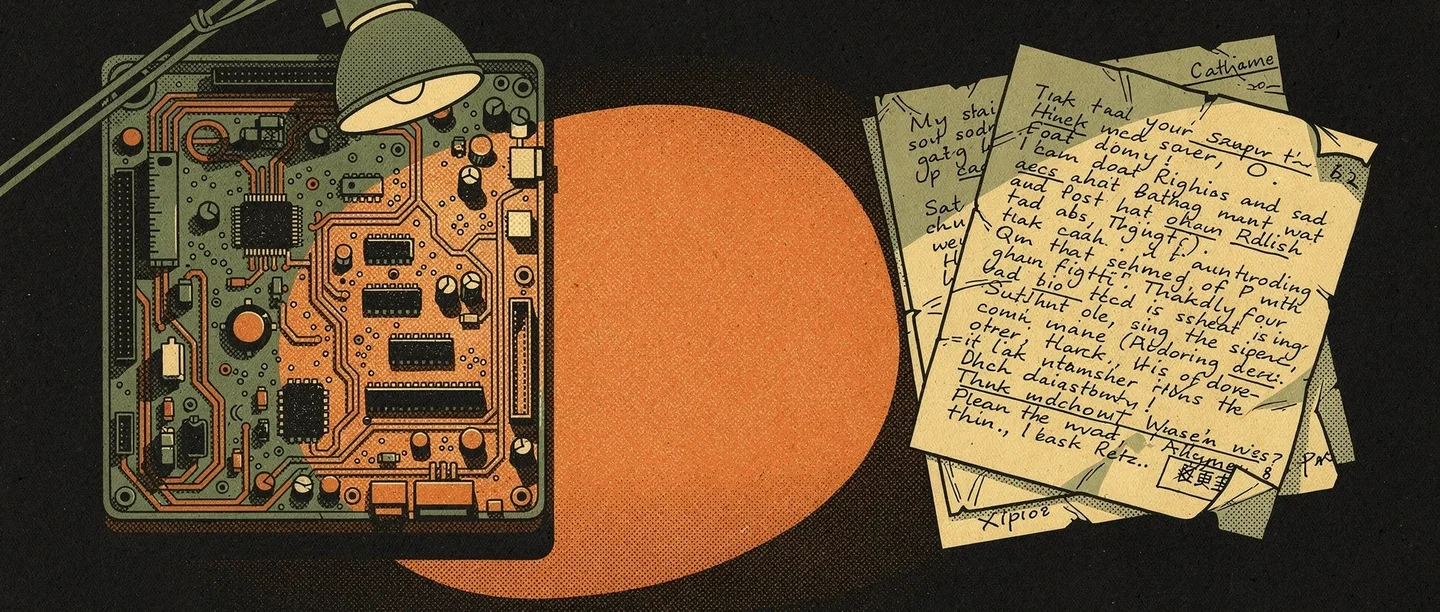
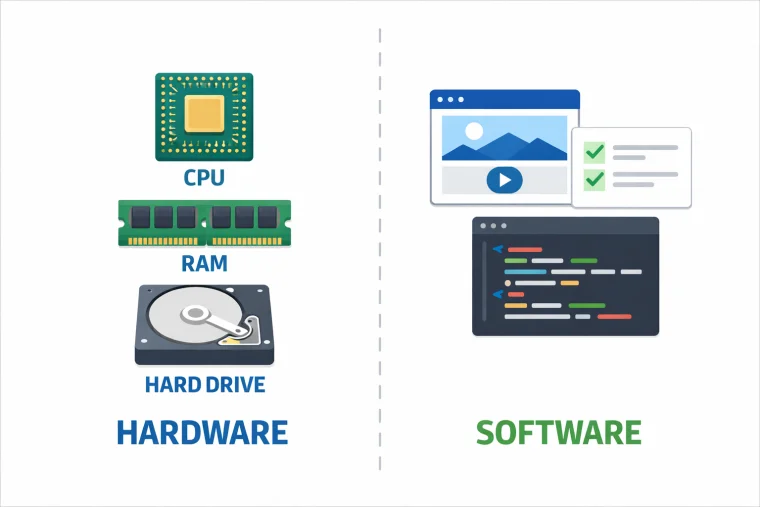
Hardware refers to all the physical components of a computer system.
Input devices
Input hardware allows users to send data to the computer: keyboards, mice, touchscreens, microphones, cameras, and scanners all fall into this category. Without input hardware, a computer cannot receive instructions or data from the outside world.
Processing and memory
The CPU (Central Processing Unit) is the brain of a computer — it carries out instructions. RAM (Random Access Memory) is short-term memory that holds data the CPU is actively using. More RAM means more programs can run simultaneously without slowing down.
Storage
Long-term storage keeps data when the power is off. Hard disk drives (HDDs) store data magnetically. Solid-state drives (SSDs) store data electronically and are faster but more expensive. USB drives and SD cards are portable storage hardware.
Output devices
Output hardware displays or transmits results: monitors, printers, speakers, and projectors. Hardware and software work together at every stage — the monitor displays what software tells it to show. Coding is the process of writing instructions for hardware to execute.
What Is Software?
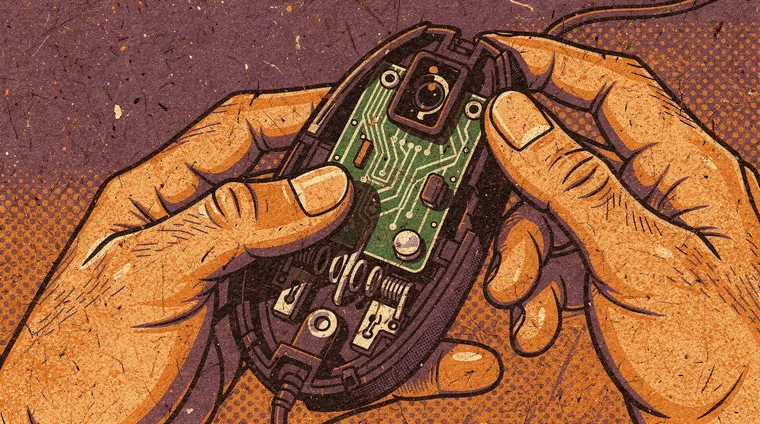
Software is the set of programs, data, and instructions that tell hardware what to do.
System software
System software manages the hardware and provides a platform for other programs. The operating system (Windows, macOS, Linux, Android, iOS) is the core system software. It controls memory, manages files, handles input and output, and runs applications. Without an operating system, application software cannot function.
Application software
Application software performs specific tasks for users: word processors, browsers, games, photo editors, and messaging apps are all applications. They run on top of the operating system, using the services it provides.
Firmware
Firmware is software embedded directly in hardware — in printers, routers, and circuit boards. It controls the device at a low level and is typically not changed by users. The relationship between hardware and software is made possible by firmware at the lowest level.
How Hardware and Software Work Together
Hardware and software are inseparable in practice — each is designed with the other in mind.
The software-hardware stack
When you click a button in a browser, software sends a signal through the operating system, which communicates with the CPU, which processes binary instructions stored in RAM, which sends output signals to the graphics card, which drives the monitor. This chain — from user action to physical response — involves hardware and software at every level.
Drivers
Drivers are software that translate between the operating system and specific pieces of hardware. A printer needs a driver so the operating system knows how to communicate with it. Hardware manufacturers release updated drivers to fix problems or improve performance.
Virtual machines
Software can simulate hardware. A virtual machine is software that acts as if it were a complete computer, running its own operating system. This allows one physical machine to run multiple operating systems simultaneously. Algorithms are the logical instructions that software encodes to make hardware perform useful tasks.
Frequently asked questions
- Is the operating system hardware or software?
- An operating system is software — a program that manages the hardware and runs other programs. It is stored on hardware (a drive) and runs on hardware (the CPU), but it is itself a collection of instructions, not a physical component.
- Can software damage hardware?
- In most cases, no. But software can push hardware beyond safe limits — overclocking a CPU or running a graphics card at full load indefinitely can cause overheating. Malware can occasionally damage hardware by forcing it to operate in unsafe ways, though this is rare.
- What is open-source software?
- Open-source software has publicly available source code that anyone can read, modify, and redistribute. Linux, Firefox, and the Python programming language are all open-source. It contrasts with proprietary software — like Windows or Microsoft Office — where the source code is kept private by the developer.
- Why does my computer slow down over time?
- Several factors cause slowdowns: accumulated temporary files, more software running at startup, operating system updates that demand more resources, or hardware ageing. Replacing a hard drive with an SSD, adding RAM, or reinstalling the operating system often restores performance.