Protecting Personal Information Online
The foundation of online safety is understanding what information to share and what to protect.
Passwords and accounts
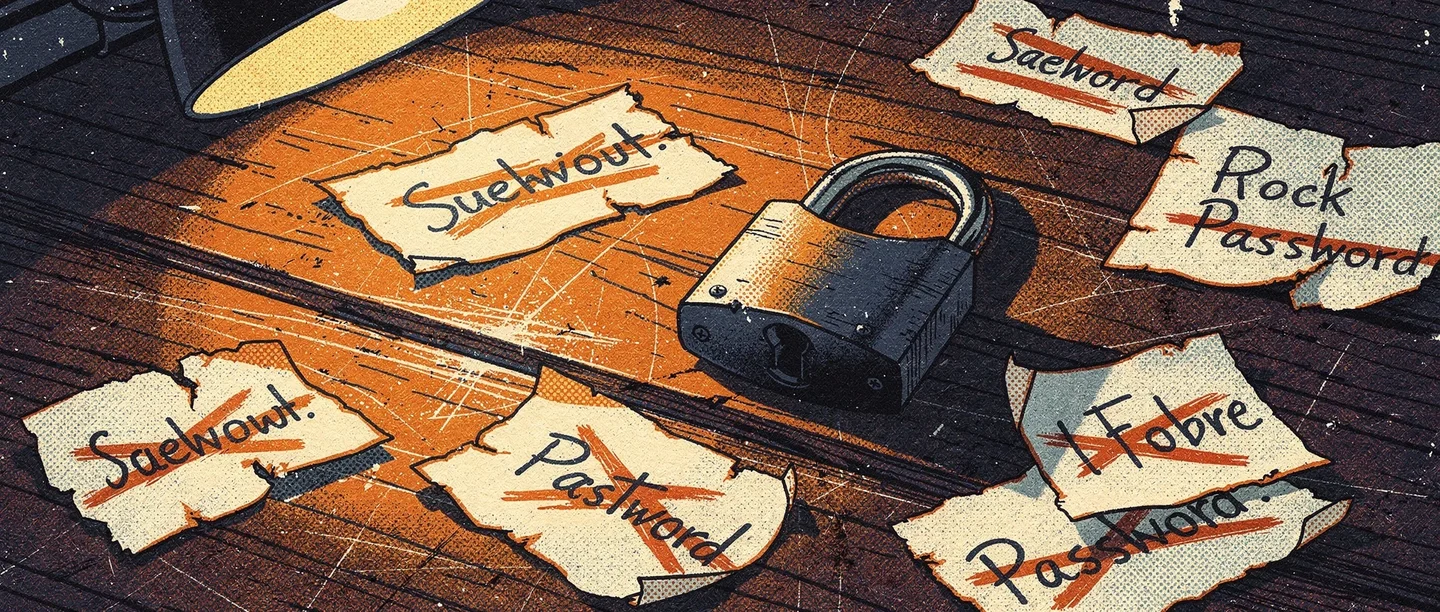
A strong password is long, random, and unique to each account. Using the same password across multiple sites means a single breach can compromise everything. Password managers (like Bitwarden or 1Password) generate and store secure passwords so you do not have to remember them. Two-factor authentication (2FA) adds a second layer — even if your password is stolen, attackers cannot access your account without a code sent to your phone.
Personal data
Be cautious about sharing your full name, address, school, phone number, or location publicly online. This information can be used by strangers to locate or contact you. Review privacy settings on social platforms to control who can see your posts. Your digital footprint — the trail of data your online activity creates — is larger than most people realise.
Recognising phishing
Phishing attacks trick people into revealing passwords or personal information by impersonating trusted organisations — banks, schools, delivery companies. Clues include unexpected messages, urgent language, generic greetings, and links that do not match the sender's domain. When in doubt, go directly to the organisation's official website rather than clicking links.
Cyberbullying and Online Wellbeing
Online safety extends beyond data protection to include emotional and psychological wellbeing.
What cyberbullying looks like
Cyberbullying includes sending hurtful messages, spreading rumours online, sharing embarrassing images without consent, or deliberately excluding someone from online groups. Unlike traditional bullying, it can happen at any time and reach a large audience instantly. Understanding cyberbullying and how to respond is a core part of being safe online.
What to do if it happens
Do not respond to harassment — responding often escalates it. Screenshot or record evidence before blocking the person. Report the behaviour to the platform, your school, or a trusted adult. Most platforms have reporting tools that can result in account suspension. In serious cases involving threats, police involvement may be appropriate.
Screen time and mental health
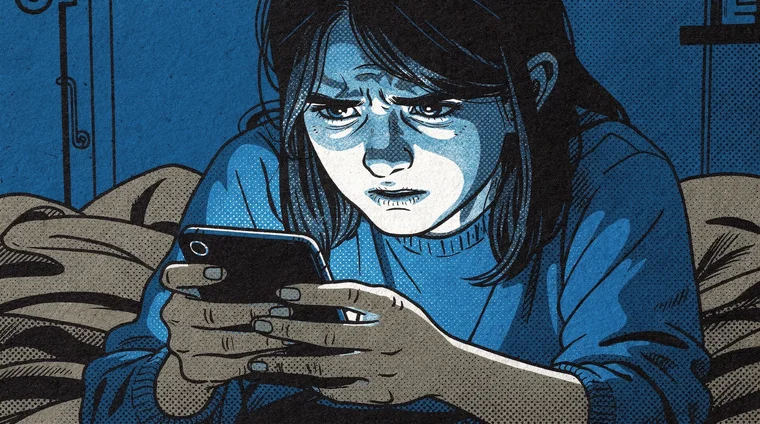
Excessive social media use is linked to anxiety, poor sleep, and lower self-esteem in some studies — particularly for adolescents. Setting boundaries around device use — charging phones outside the bedroom, time limits on apps — supports mental and physical health. Being online safely includes using technology in ways that serve your wellbeing.
Recognising Scams and Unsafe Content
The internet contains content and contacts that can cause harm. Knowing how to identify risks is part of digital safety.
Common online scams
Scams targeting young people include fake prize notifications, fraudulent job offers, phishing links shared by hacked friends' accounts, and romance scams on social media. If something seems too good to be true — a prize you did not enter, a job paying unusually well for minimal work — it almost certainly is.
Misinformation and harmful content
Not everything online is true. Understanding how to evaluate sources, spot manipulated images, and identify misleading claims is central to staying safe in an information environment full of misinformation. Harmful content — graphic violence, extremist material — can appear unexpectedly. Using content filters and reporting tools reduces exposure.
Meeting strangers online
Online relationships can form with people whose identities are not what they seem. People posing as peers may be adults with harmful intentions. Never share personal details with strangers online, and never agree to meet someone you met online without telling a trusted adult first.

Frequently asked questions
- What age is it safe to use social media?
- Most major platforms set a minimum age of 13, in line with US law (COPPA). Research suggests social media before age 13 carries higher wellbeing risks. But age limits are poorly enforced, and older teens face real risks too. Safe use at any age involves privacy settings, critical thinking, and regular conversations with a trusted adult.
- What should I do if I see something upsetting online?
- Stop engaging with the content. Report it to the platform using built-in tools. Talk to a trusted adult — parent, teacher, or school counsellor — about what you saw. For seriously distressing content or situations involving illegal material, reporting to authorities may be appropriate. You do not have to manage upsetting online experiences alone.
- How do I know if a website is safe to use?
- Look for HTTPS in the address bar (the padlock icon) — it means your connection to the site is encrypted. Check the domain carefully: scam sites use addresses that resemble legitimate ones. Research unfamiliar sites before entering personal details. Be cautious about any site requesting excessive information without a clear reason.
- Is it safe to use public Wi-Fi?
- Public Wi-Fi (in cafés, libraries, airports) carries risks. Your traffic on unsecured networks can be intercepted. Avoid logging into banking or sensitive accounts on public networks. Using a VPN (Virtual Private Network) encrypts your connection and reduces risk — a standard online safety precaution. For public Wi-Fi, stick to general browsing rather than sensitive accounts.