
How Cloud Computing Works
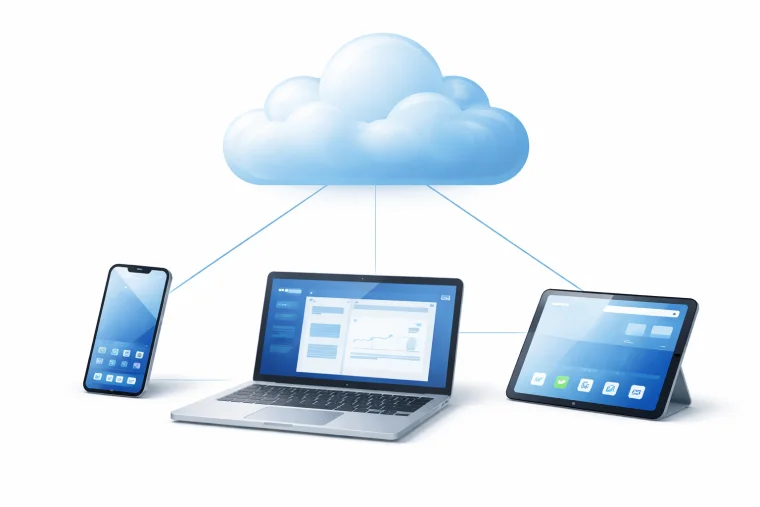
Cloud computing means using computing resources — storage, processing power, applications — delivered over the internet rather than run locally on your own device.
The three main models
Infrastructure as a Service (IaaS) provides raw computing power and storage over the internet. Businesses rent virtual servers instead of buying physical hardware. Amazon Web Services (AWS), Microsoft Azure, and Google Cloud are the largest IaaS providers.
Platform as a Service (PaaS) gives developers tools and environments to build applications without managing the underlying infrastructure. A developer can deploy a web application without configuring the servers it runs on.
Software as a Service (SaaS) delivers finished applications over a browser. Gmail, Microsoft 365, Spotify, and Netflix are SaaS products — users access the software without installing it locally.
Public, private, and hybrid
A public service is shared infrastructure operated by a provider and made available to many customers. A private deployment runs on dedicated infrastructure used by a single organisation. Most large enterprises use a hybrid approach — sensitive data on private infrastructure, scalable workloads on public services. Coding and artificial intelligence both rely heavily on cloud infrastructure to scale.

What Cloud Computing Is Used For
Remote computing is now central to almost every digital service people use daily.
Storage and backup
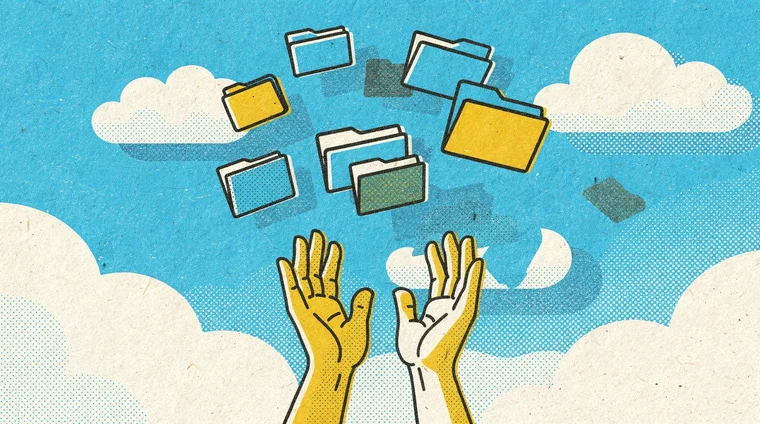
Services like Google Drive, iCloud, and Dropbox store files remotely. If your device is lost or damaged, the data survives. Automatic backup to remote servers has made data loss far less common.
Streaming
Netflix, Spotify, and YouTube deliver content from remote servers on demand. Without scalable remote infrastructure, streaming at this scale would be impossible — providers can spin up thousands of servers during peak hours and scale them down again when demand drops.
Collaboration and productivity
Microsoft 365 and Google Workspace allow multiple people to edit the same document simultaneously from different devices and locations. The file lives on a shared remote server rather than on one person's computer.
Machine learning and AI
Training machine learning models requires enormous computing power. Researchers and companies use remote GPU clusters — rented by the hour — to train AI systems that would be impossible to run on personal hardware. Machine learning is one of the biggest drivers of remote computing demand.
Benefits, Risks, and Environmental Impact
Cloud computing offers significant advantages but also raises concerns worth understanding.
Benefits
Scalability is the main advantage: an organisation can instantly expand storage or computing power without buying hardware. Cost efficiency improves because resources are shared. Reliability improves too — large providers maintain multiple data centres, so failure in one location does not take down the service.
Security and privacy risks
Storing data with a third-party provider means trusting that provider's security practices. Data breaches, unauthorised access, and government data requests are real risks. Understanding what your data is being used for and where it is stored is part of responsible digital citizenship.
Environmental cost
Data centres consume vast amounts of electricity — estimates suggest they account for around 1–2% of global electricity use. As demand grows, so does the energy footprint. Major providers like Google and Microsoft have committed to running on renewable energy, but the environmental cost of digital infrastructure is a genuine concern.
Frequently asked questions
- Is the cloud safe?
- Generally yes, but with caveats. Major cloud providers invest heavily in security and often protect data better than individuals or small businesses can. The risks come from weak passwords, phishing attacks on user accounts, and occasionally provider breaches. Using strong passwords, two-factor authentication, and understanding your provider's privacy policy makes remote storage reasonably safe for most use cases.
- What happens to my data if the cloud provider goes down?
- Major providers design for high availability using multiple data centres. Brief outages do occur — even AWS and Google have experienced them. For critical data, backing up to more than one provider or keeping a local copy is advisable. Most consumer services store data redundantly across multiple locations, so complete loss is rare.
- Do I need the internet to use cloud services?
- For most services, yes. Many apps offer offline modes that sync when you reconnect — Google Docs and Spotify allow offline access for some content. But the core value of remote computing is access from anywhere, which requires connectivity. Areas with poor internet access are significantly disadvantaged by the shift to cloud-dependent services.
- Who owns data stored in the cloud?
- You own your data, but providers have rights over it defined by their terms of service. Some services use your data to improve their products or serve you ads. Reading privacy policies matters. GDPR in Europe gives users rights to access and delete their data — particularly important for free services.