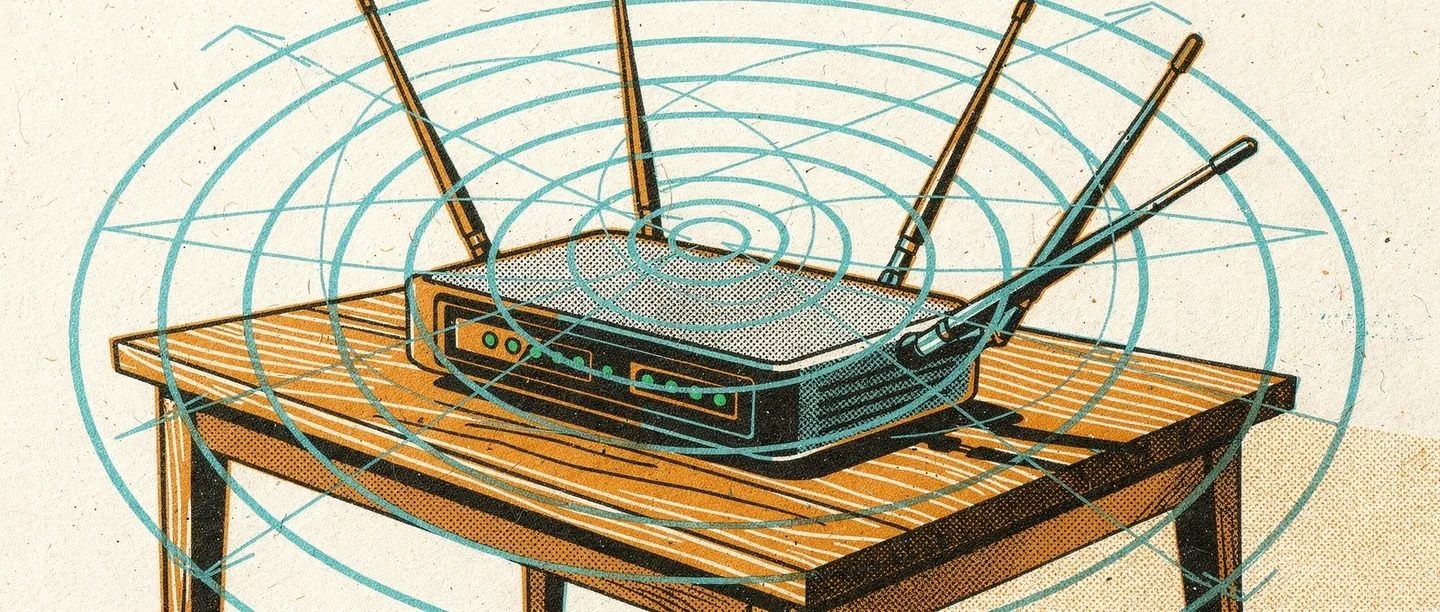
How WiFi Works
WiFi uses radio waves — the same part of the electromagnetic spectrum as radio and television — to transmit data wirelessly.
From router to device
A router receives data from the internet via a physical connection (broadband, fibre, or cable). It converts that data into radio signals and broadcasts them. Your device has a WiFi adapter that detects those signals and converts them back into data. The communication is two-way: your device sends requests back to the router in the same way.
Frequency bands
It operates on two main frequency bands. The 2.4 GHz band travels further and penetrates walls better but is slower and more congested. The 5 GHz band is faster but has shorter range. Newer WiFi standards also use a 6 GHz band for even higher speeds at close range.
Wireless standards
The standard has evolved through IEEE 802.11 versions: 802.11n, 802.11ac, and 802.11ax (WiFi 6). Each generation offers faster speeds and more efficient use of the airspace. Your device and router must both support the same standard to benefit from improvements. How the internet works explains what happens once data reaches the router.
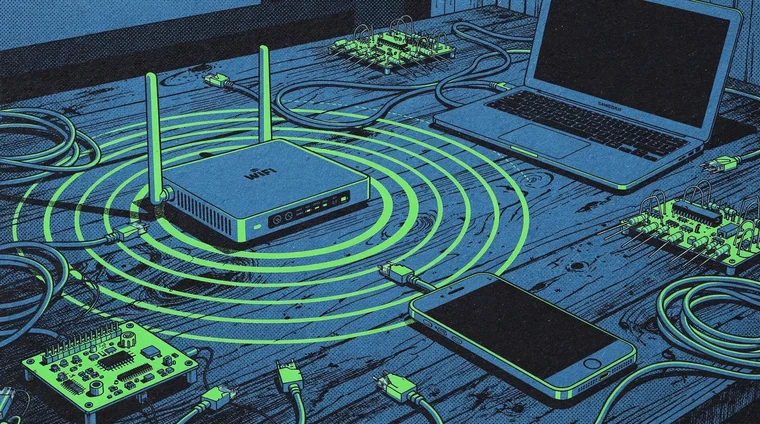
WiFi Range, Speed, and Interference
The real-world performance of a WiFi connection depends on several factors beyond the standard it uses.
Distance and obstacles
Signal strength drops with distance. Walls, floors, furniture, and appliances all absorb or reflect radio waves. Concrete and metal are particularly disruptive. A WiFi signal that works well in one room may be weak in another — this is why large homes often use mesh networks or repeaters.
Congestion and interference
The 2.4 GHz band is shared by many devices: microwaves, baby monitors, Bluetooth devices, and neighbouring wireless networks. Too many devices on the same channel slow everyone down. The 5 GHz band has more channels and less congestion.
Bandwidth and multiple users
A router shares its total bandwidth among all connected devices. Streaming video on several devices simultaneously uses far more bandwidth than browsing text. The total capacity of a WiFi network is set by both the internet connection coming in and the WiFi standard in use.

WiFi Security
WiFi security matters because radio signals can be intercepted by anyone within range.
Encryption protocols
WPA3 is the current security standard for home networks. It encrypts all traffic between your device and the router, preventing eavesdropping. Older protocols — WEP and WPA — have known weaknesses and should not be used. Always check that a home network uses WPA2 or WPA3.
Public WiFi risks
Public WiFi in cafés, hotels, and airports is often unsecured or poorly secured. Traffic on these networks can potentially be intercepted. Using a VPN (Virtual Private Network) encrypts your traffic even on public networks. For sensitive tasks — banking, passwords — a mobile data connection is safer than public WiFi.
Strong passwords and router settings
The default password on many routers is weak or publicly known. Changing the router password and network name reduces the risk of unauthorised access. Online safety covers broader habits for staying secure in connected environments.
Frequently asked questions
- What is the difference between WiFi and the internet?
- The internet is the global network of networks — servers, cables, and protocols connecting billions of devices. It is a wireless technology for connecting devices to a local router. The router then connects to the internet. You can have WiFi without internet (on a local network) or internet without WiFi (via cable or mobile data).
- Why is my WiFi signal weak in some rooms?
- Radio signals weaken with distance and are absorbed by walls, floors, and dense furniture. Concrete and brick are particularly obstructive. Moving closer to the router, using a WiFi extender or mesh system, or switching to a 2.4 GHz band (better range) can help.
- How do I make my WiFi more secure?
- Use WPA3 or WPA2 encryption. Set a strong, unique password for both the router admin panel and the network. Keep router firmware updated. Avoid using open public WiFi for sensitive tasks. A VPN adds a further layer of encryption when you must use public networks.
- What is WiFi 6 and do I need it?
- WiFi 6 (802.11ax) handles more devices simultaneously and offers higher speeds, especially in congested environments. It uses better compression and scheduling to share bandwidth efficiently. For households with many connected devices — smart speakers, TVs, phones, laptops — WiFi 6 offers real benefits over older standards.