
What is cybersecurity and why does it matter?
Cybersecurity is the practice of protecting computers, devices, networks, and data from unauthorised access, theft, or damage. Every time you log into a school account, send a message, or store a file in the cloud, cybersecurity measures are working in the background to keep that information safe.
As more aspects of everyday life move online — from banking and healthcare to school and social communication — cybersecurity has become one of the most important areas of digital literacy. The UK's National Cyber Security Centre (NCSC) reports that cyber attacks affect individuals, schools, and businesses of all sizes. Learning what cybersecurity is and how to apply it is no longer optional for anyone who uses the internet regularly.
Cybersecurity works on several levels. At the individual level, it involves choosing strong passwords, keeping software updated, and recognising suspicious emails or messages. At the organisational level, it involves firewalls, encryption, and access controls that protect large amounts of sensitive data. At the national level, governments and agencies work to protect critical infrastructure such as hospitals, energy grids, and communications networks.
Understanding cybersecurity also helps students think critically about how data is collected and used online. When an app asks for your location or contact list, asking why it needs that data is itself a form of cybersecurity thinking — a habit that protects both your privacy and your personal information.
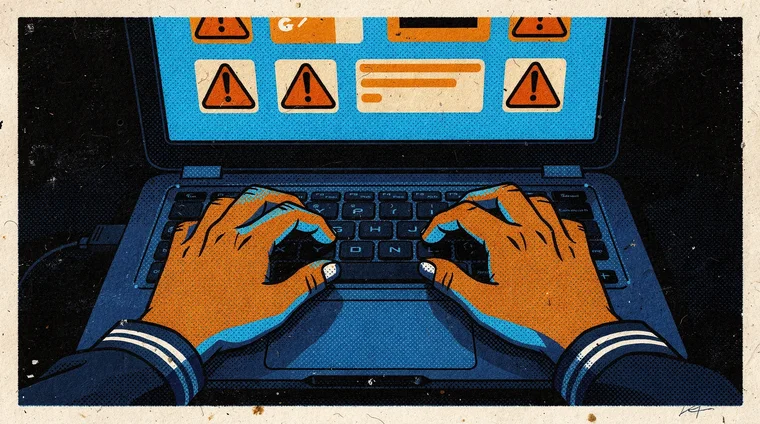
Common cyber threats students and families face
Several types of cyber threat are particularly relevant for students and families. Understanding what they are is the first step to avoiding them.
Phishing
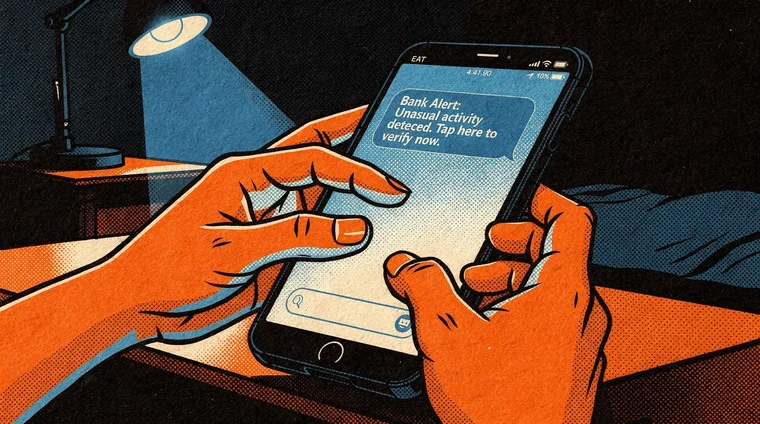
Phishing is one of the most common attacks. It involves a message — usually an email, text, or social media notification — that appears to come from a trusted source such as a school, bank, or well-known company. The goal is to trick the recipient into clicking a link or entering personal information on a fake website. Phishing messages often create a sense of urgency: "Your account will be suspended unless you act now."
Malware
Malware is malicious software designed to damage a device or steal data. It includes viruses, which spread by attaching to files; ransomware, which locks a device until the victim pays a fee; and spyware, which secretly monitors activity. Malware most often enters devices through downloads, email attachments, or clicking unsafe links.
Weak passwords
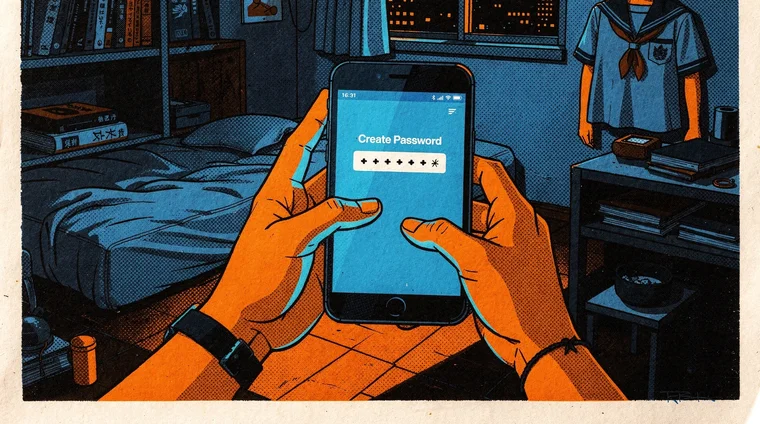
Many cybersecurity breaches occur simply because a password is too easy to guess. Short passwords, common words, and passwords used across multiple accounts are all significant risks. Cybersecurity experts recommend passwords of at least 12 characters that combine uppercase and lowercase letters, numbers, and symbols — and a unique password for each account.
Social engineering
Social engineering attacks exploit human behaviour rather than technical weaknesses. An attacker might impersonate a teacher, friend, or support technician online to persuade someone to share login credentials or personal information. Because these attacks rely on trust rather than technology, they are often the hardest to spot.
Did you know?
-
The UK's NCSC reports that over 2.7 million cyber-enabled fraud cases occurred in the UK in a single year, affecting individuals of all ages including teenagers.
National Cyber Security Centre (NCSC) -
Using a strong, unique password for every online account is one of the most effective cybersecurity measures individuals can take. A password manager can help manage multiple passwords securely.
CISA — Cybersecurity Basics -
Two-factor authentication (2FA) reduces the risk of unauthorised account access by up to 99%, according to Microsoft research — even if a password is compromised.
National Cyber Security Centre (NCSC)
How to stay safe online — cybersecurity steps for students
Cybersecurity does not require technical expertise. Several straightforward habits reduce risk significantly for students and families.
First, use strong, unique passwords for every account. A password manager app can generate and store complex passwords so you do not have to remember them all. Second, enable two-factor authentication (2FA) wherever it is available. This requires a second verification step — usually a code sent to your phone — in addition to your password. Even if someone obtains your password, they cannot access your account without that second factor.
Third, be cautious with links and downloads. Before clicking a link in an email or message, check that the sender's address is genuine. Hover over links to see where they actually lead. Download apps and software only from official sources. Fourth, keep devices and software updated. Updates frequently contain cybersecurity patches that fix known vulnerabilities — delaying them leaves devices exposed.
Fifth, think before sharing personal information online. Your full name, school, location, and date of birth are all individually harmless, but combined they can be used for identity theft. Sixth, use secure networks. Public Wi-Fi at cafés, libraries, and transport hubs is often unsecured — avoid logging into sensitive accounts on public networks without a VPN.
Epivo's International Curriculum teaches digital safety as part of the digital literacy programme for grades 7 to 9. Students learn to identify threats, evaluate their online behaviour, and develop a positive digital footprint. Further guidance for students and parents is available from the NCSC's Cyber Aware campaign and the CISA cybersecurity resources. For a broader understanding of how the digital world works, our article on how the internet works explains the technical foundations beneath cybersecurity threats.
Frequently asked questions
- What is cybersecurity in simple terms?
- Cybersecurity is the practice of protecting computers, networks, and data from unauthorised access or attack. It includes both technical measures — such as encryption and firewalls — and personal habits, such as using strong passwords and recognising phishing messages.
- What are the most common cyber threats for students?
- The most common threats include phishing (fake messages designed to steal information), malware (harmful software such as viruses or ransomware), weak passwords, and social engineering (when attackers manipulate people into sharing information by pretending to be someone trusted).
- How can students protect themselves online?
- Use strong, unique passwords for every account and enable two-factor authentication wherever possible. Be cautious with links and downloads, keep devices updated, think carefully before sharing personal information, and avoid logging into sensitive accounts on public Wi-Fi.
- What is two-factor authentication?
- Two-factor authentication (2FA) adds a second verification step when you log in — usually a code sent to your phone or generated by an app. Even if someone has your password, they cannot access your account without this second factor, making it a highly effective cybersecurity tool.
- Is cybersecurity taught in school?
- Yes. In most countries, cybersecurity is part of the digital literacy or computing curriculum from around age 10 upwards. Students learn to recognise threats, use technology responsibly, manage their digital footprint, and understand how personal data is collected and used online.